Living with Page Builders: A Practical Guide to Sustainable WordPress Design
Page builders have become a permanent part of the WordPress ecosystem. For many teams, the question is no longer whether to use a page builder, but how to use one without sacrificing performance, maintainability, or long-term flexibility.
This article focuses on real-world usage of WordPress page builders—what happens after launch, when editors, marketers, and developers all have to live with the site.
The Reality After Launch
Most WordPress sites are not “finished” after development. Content grows, layouts evolve, and new people begin editing pages.
Common Post-Launch Problems
-
Editors breaking layouts accidentally
-
Inconsistent spacing and typography
-
Slow pages as sections are repeatedly duplicated
-
Difficulty making global design changes
These issues are not failures of page builders—they are failures of process and structure.
Designing Guardrails Instead of Freedom
Unlimited flexibility often leads to inconsistent results.
Smart Constraints
-
Predefined section templates
-
Locked global styles
-
Limited widget/block availability
-
Reusable components
Modern builders and the Gutenberg block system allow developers to control what editors can do—without writing code for every page.
Page Builders and Performance Budgets
Performance should be treated as a budget, not an afterthought.
Practical Performance Rules
-
One layout system per site (avoid mixing builders)
-
Minimal nested columns and sections
-
Global fonts and colors only
-
Regular performance audits
Builders like Elementor can be fast—but only when used with discipline.
Editor Experience Matters More Than Features
A powerful builder that confuses editors will cost more over time.
Improving Editor Experience
-
Clear naming conventions for blocks and sections
-
Inline instructions and descriptions
-
Logical content flow (top-down editing)
-
Training documentation built into the dashboard
A well-designed editing experience reduces errors and support requests.
Migrating Away from Page Builders (When Needed)
Sometimes page builders outlive their usefulness.
Signs It’s Time to Move On
-
Performance optimization hits hard limits
-
Layout updates require excessive manual work
-
Vendor lock-in blocks redesigns
-
Development slows instead of accelerates
Migration is easiest when content is structured cleanly and not embedded deeply inside proprietary shortcodes.
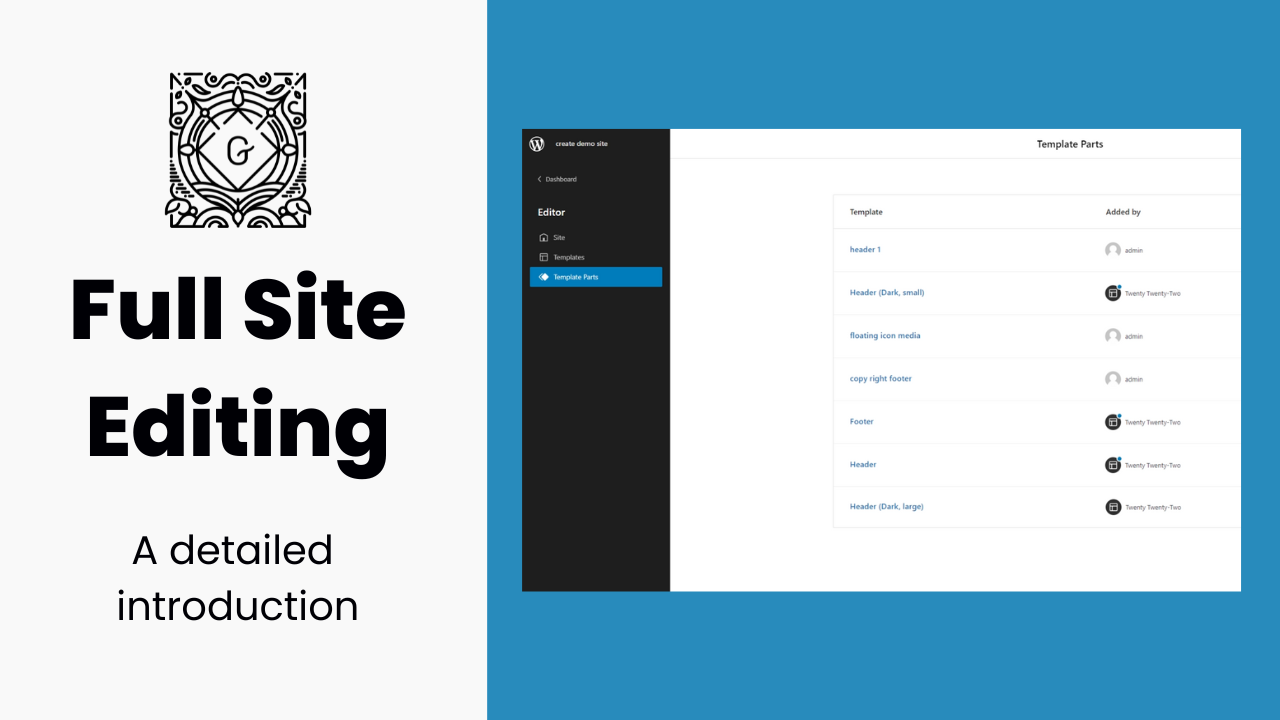
The Role of Gutenberg and Full Site Editing
WordPress is steadily moving toward native solutions.
Why Gutenberg Changes the Equation
-
Content stored as readable blocks
-
Long-term WordPress support
-
Theme-level layout control
-
Easier future migrations
Gutenberg may not replace all page builders, but it redefines what “native” WordPress editing looks like.
Choosing the Right Builder Strategy
There is no single correct approach.
Common Strategies
-
Gutenberg-first with custom blocks
-
Page builder for landing pages only
-
Hybrid approach for marketing teams
-
Full custom development for core pages
The best strategy balances editor freedom, performance, and longevity.
Conclusion
Page builders are not shortcuts—they are commitments. The real cost and value of a page builder show up months or years after launch, not on day one.