Page Builders in WordPress: Power, Pitfalls, and Professional Use Cases
Page builders have transformed how WordPress websites are created. What once required custom themes and PHP templates can now be achieved visually, often in minutes. For freelancers, marketers, and non-technical users, page builders offer speed and flexibility. For developers, they introduce new trade-offs in performance, maintainability, and scalability.
This article takes a balanced, professional look at WordPress page builders—when they shine, when they hurt, and how to use them responsibly.
What Are Page Builders?
Page builders are WordPress tools that allow users to design pages visually using drag-and-drop interfaces instead of code. They generate layouts using shortcodes, HTML, CSS, and JavaScript behind the scenes.
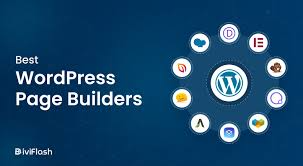
Popular WordPress page builders include:
-
Elementor
-
Divi
-
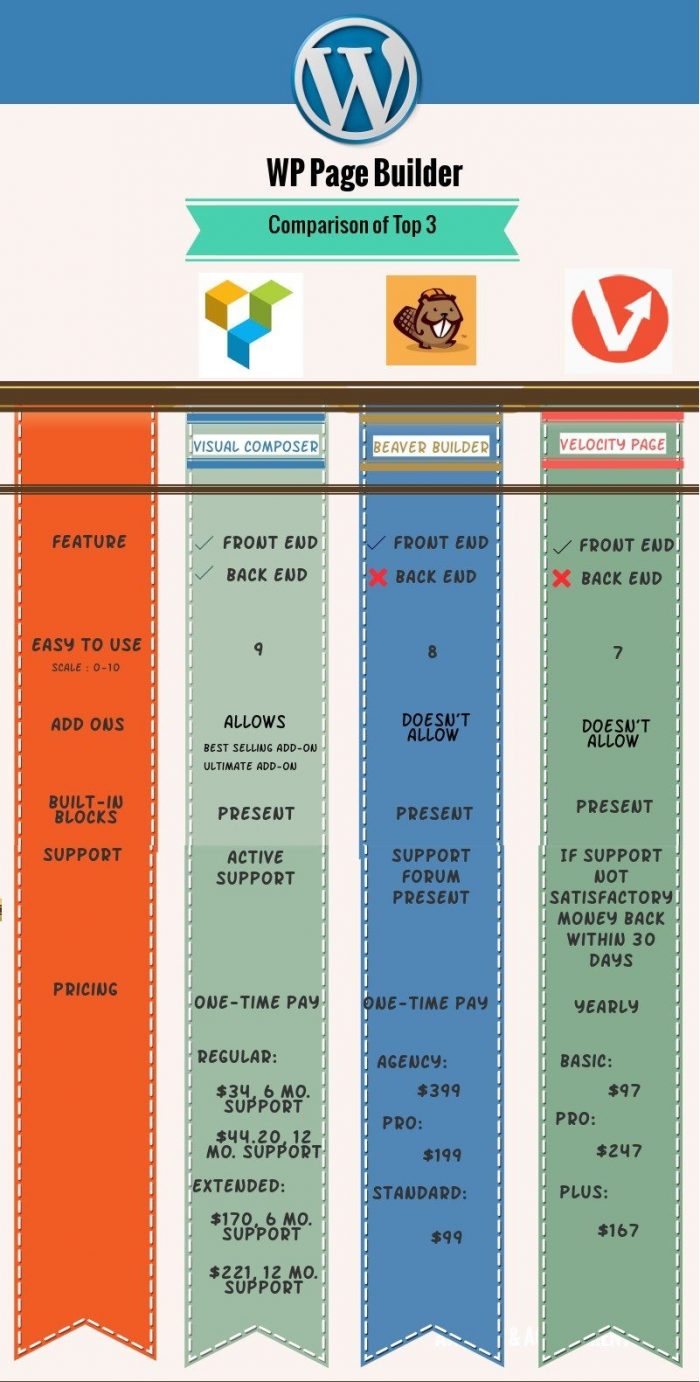
Beaver Builder
-
Gutenberg
Each builder approaches layout, content, and styling differently.
Why Page Builders Became So Popular
Page builders filled a major gap in WordPress usability.
Key Advantages
-
No coding required
-
Fast prototyping and deployment
-
Real-time visual editing
-
Client-friendly interfaces
For small businesses and content teams, page builders reduce development cost and dependency on developers.
The Performance Trade-Off
Page builders rarely come free in terms of performance.
Common Performance Issues
-
Excessive DOM elements
-
Inline styles and scripts
-
Large CSS and JavaScript bundles
-
Duplicate assets across pages
While caching and optimization plugins help, page builder sites usually require extra performance tuning compared to custom themes.
Maintainability and Vendor Lock-In
One of the biggest concerns with page builders is lock-in.
What Lock-In Looks Like
-
Shortcodes left behind after deactivation
-
Layouts tied to proprietary systems
-
Difficulty migrating content
Builders like Gutenberg minimize this risk, while others require careful long-term planning.
Page Builders vs Custom Development
Page builders are not inherently “bad”—they’re tools.
When Page Builders Make Sense
-
Marketing landing pages
-
Rapid MVPs
-
Non-technical editorial teams
-
Short-term campaigns
When to Avoid Them
-
High-traffic performance-critical sites
-
Highly customized applications
-
Long-term enterprise platforms
Hybrid approaches—custom themes plus selective page builder usage—often deliver the best results.
Gutenberg: The Native WordPress Approach
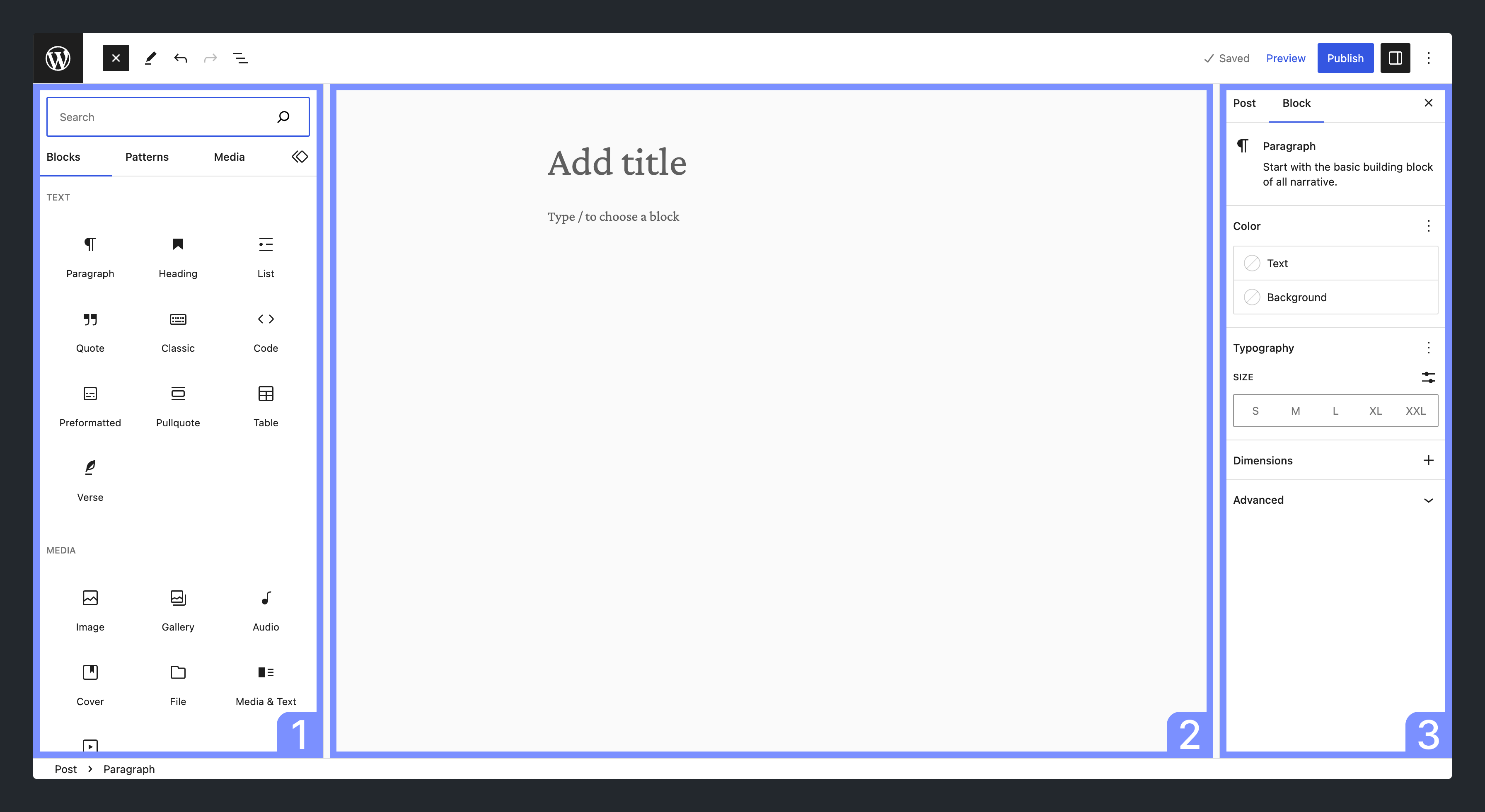
The Gutenberg editor represents WordPress’s long-term vision.
Why Developers Prefer Gutenberg
-
Block-based architecture
-
Clean content storage
-
Better long-term compatibility
-
Custom block development
Gutenberg isn’t as flashy as some builders, but it offers future-proof flexibility.
Best Practices for Using Page Builders Professionally
To use page builders responsibly:
-
Limit them to specific templates or page types
-
Avoid nesting too many sections and columns
-
Disable unused widgets and features
-
Combine with lightweight themes
-
Measure performance regularly
Page builders work best with clear boundaries.
The Future of Page Builders in WordPress
WordPress is moving toward:
-
Full Site Editing (FSE)
-
Block-based themes
-
More native layout control
Third-party builders will continue to exist, but the gap between custom development and visual editing is narrowing.
Conclusion
Page builders have democratized WordPress design—but they are not a replacement for good architecture. Used thoughtfully, they speed up development and empower editors. Used carelessly, they create slow, fragile sites.